
Starlink Mini Power Consumption & Runtime: The Ultimate 2026 Off-Grid Guide
Setting up a Starlink Mini is a game-changer for digital nomads, but one question dominates every forum: "How long will it run on my battery?"
To help you plan your next off-grid adventure, we conducted extensive real-world testing on the Starlink Mini's power draw. Whether you’re a weekend camper or a full-time van lifer, understanding these numbers is the key to staying online without a blackout.

1. The Numbers: What Does Starlink Mini Really Draw?
Through our 2026 field tests, we’ve categorized the Mini’s power consumption into three distinct phases. Unlike the larger Gen 3 dish, the Mini is incredibly efficient, but it has "hungry" moments you need to prepare for.
| Usage Scenario | Average Power Draw | What to Expect |
| Initial Boot & Satellite Search | 45W - 60W | High draw for the first 5-10 minutes. |
| Standard Operation (Streaming/Zoom) | 22W - 35W | Stable draw during consistent data flow. |
| Idle Mode (Connected but No Traffic) | 15W - 18W | Lowest draw; ideal for "always-on" messaging. |
| Snow Melt Mode (Heater Active) | 70W+ | Extreme draw; use only when necessary. |
2. AC vs. DC: The 20% Efficiency Secret
Most users plug their Starlink Mini into a traditional portable power station via the AC outlet. This is a mistake. When you use an AC inverter, you lose roughly 20-25% of your battery capacity just in heat conversion (DC to AC to DC). By using a Direct DC Power Solution, you eliminate this waste.
Pro Tip: A 180Wh battery using a DC-to-DC connection will often outlast a 240Wh power station using the AC plug. Efficiency > Capacity.
3. Calculating Your Runtime (Quick Reference)
How long will your setup last? Use this simple guide based on our efficiency-optimized batteries:
-
100Wh Power Bank: ~2.5 to 3.5 hours. (Emergency use only)
-
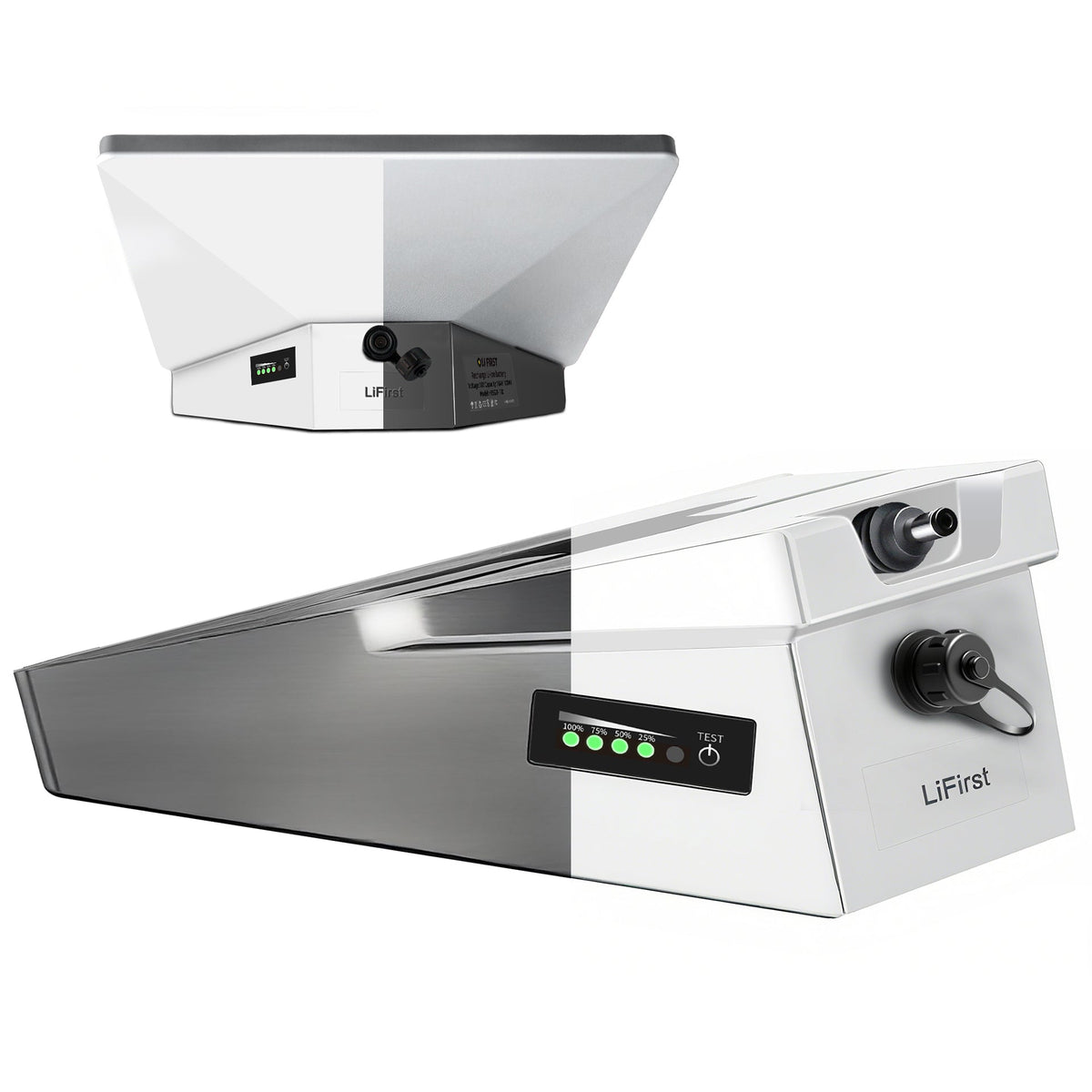
Lifirst 180Wh Clip-on Battery: 8-10 Hours. Designed specifically for the Mini, this provides a full workday of power in a compact 1.09kg package.
-
Lifirst 378Wh Rugged Power Box: 12-16 Hours. The ultimate "Basecamp" solution for heavy users who also need to charge laptops and phones.
4. How to Stay Online Longer: 3 Pro Hacks
A. Manage "Snow Melt" Settings
In the Starlink App, ensure "Snow Melt" is set to Manual or Off unless it's actually snowing. Leaving this on "Auto" can accidentally double your power consumption in cold mornings.
B. Use High-Quality DC Cables
Voltage drop is the enemy of stability. Ensure you are using the official Starlink USB-C cable or a high-spec 20V/5A rated cable to prevent the dish from rebooting during peak 60W spikes.
C. Solar Pairing
If you plan to stay off-grid indefinitely, a 100W solar panel is the "sweet spot" for the Starlink Mini. It can fully recharge a 180Wh battery in about 3-4 hours of peak sunlight, creating a self-sustaining loop.
5. Why Choose a Dedicated Starlink Mini Battery?
At Lifirst, we didn't just build another power bank. We engineered a power system specifically for the Starlink Mini's unique 20V requirements.
-
Samsung A-Grade Cells: Consistent voltage even at 5% battery.
-
IP65 Weather Resistance: Because Starlink stays outside, your battery should too.
-
Plug-and-Play: No bulky adapters or dangerous DIY wiring.
Conclusion
A successful Starlink Mini setup isn’t about the biggest battery—it’s about the smartest one. By understanding your 20-40W average draw and switching to a high-efficiency DC setup, you can enjoy true internet freedom anywhere on Earth.
[Explore the Lifirst Starlink Mini Battery Collection →]

0 comments